
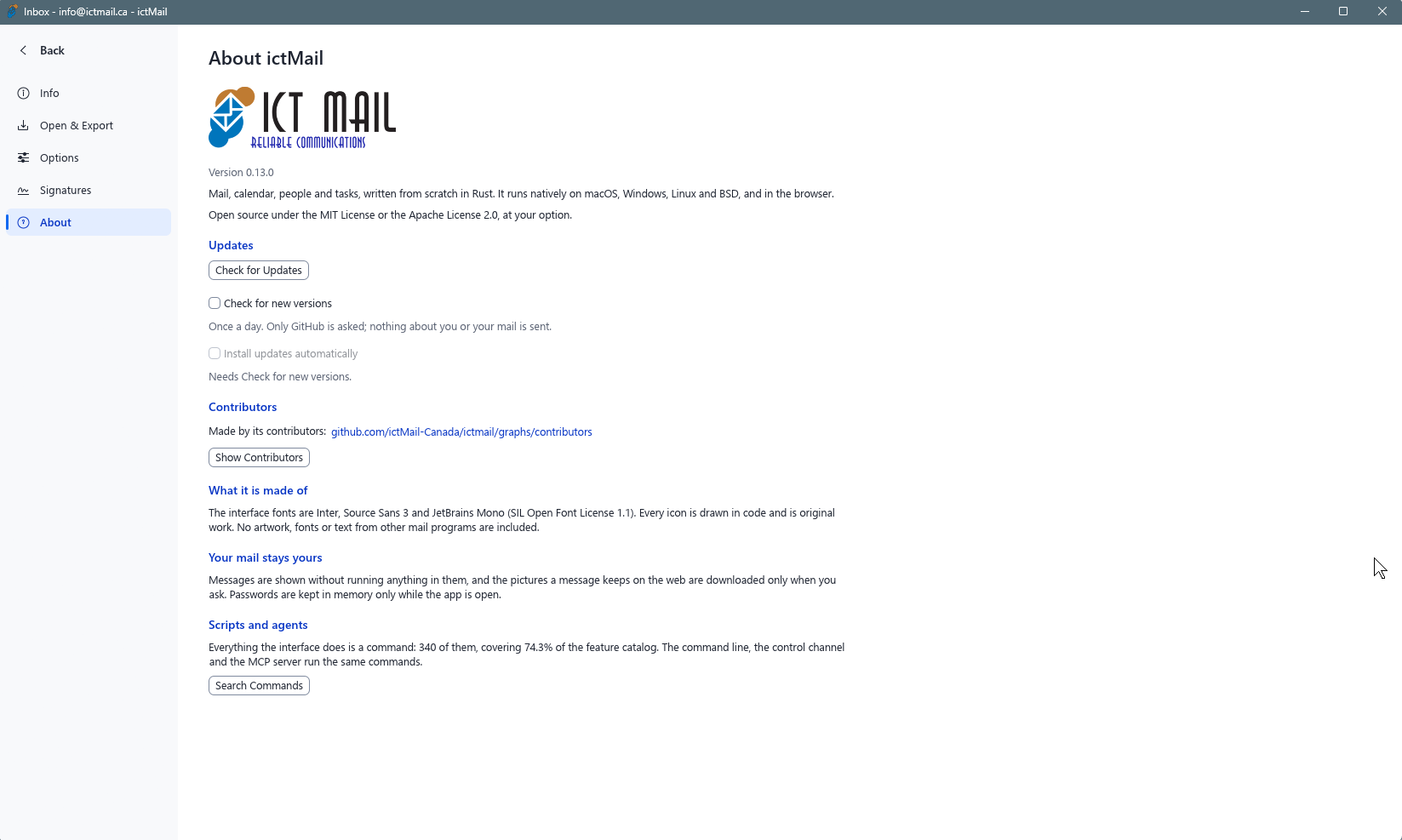
ictMail is the ictTech desktop email client. It is available for Windows, macOS, Linux, and FreeBSD. Current release: v0.23.0 (November 15, 2026).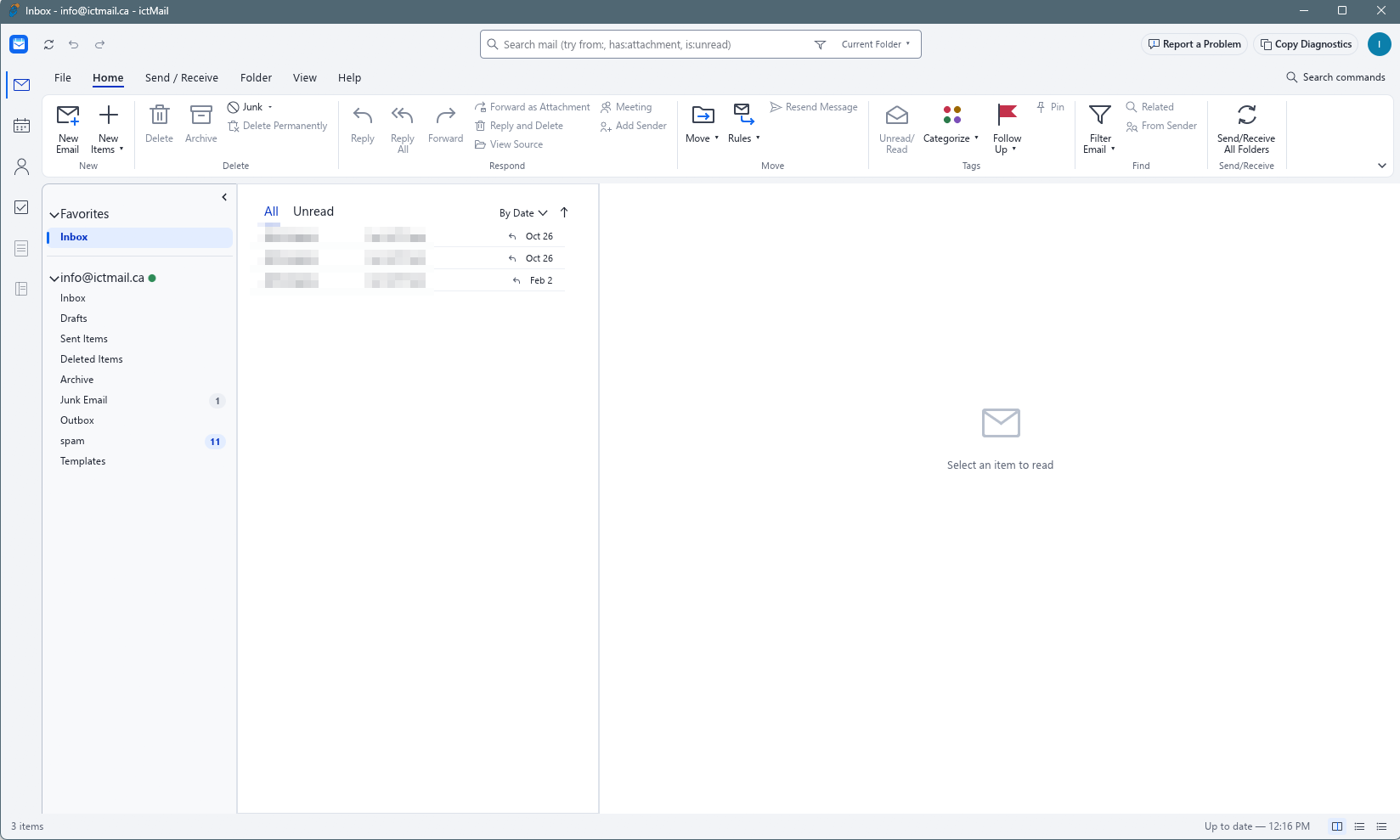
All downloads are hosted on the public GitHub release page:
github.com/ictMail-Canada/ictmail/releases/tag/v0.23.0
Windows
| Download | File | Size |
|---|---|---|
| Installer (recommended) | ictmail-0.23.0-windows-x64.msi | 25 MB |
| Portable (no install) | ictmail-0.23.0-windows-x64-portable.zip | 32.1 MB |
| Installer 32-bit | ictmail-0.23.0-windows-x86.msi | 24.1 MB |
| Portable 32-bit | ictmail-0.23.0-windows-x86-portable.zip | 30.1 MB |
| Installer ARM64 | ictmail-0.23.0-windows-arm64.msi | 22.8 MB |
| Portable ARM64 | ictmail-0.23.0-windows-arm64-portable.zip | 30.2 MB |
macOS
| Download | File | Size |
|---|---|---|
| Installer (Universal, Apple Silicon + Intel) | ictmail-0.23.0-macos-universal.dmg | 43.9 MB |
| Command line tool | ictmail-cli-0.23.0-macos-universal.zip | 18.4 MB |
Linux
64-bit (x86_64):
| Format | File | Size |
|---|---|---|
| Debian/Ubuntu package | ictmail-0.23.0-linux-x86_64.deb | 33.9 MB |
| RPM package | ictmail-0.23.0-linux-x86_64.rpm | 33.6 MB |
| AppImage (portable) | ictmail-0.23.0-linux-x86_64.AppImage | 31.1 MB |
| Archive | ictmail-0.23.0-linux-x86_64.tar.gz | 33.1 MB |
| Flatpak | ictmail-0.23.0-linux-x86_64.flatpak | 21.9 MB |
ARM64 (aarch64):
| Format | File | Size |
|---|---|---|
| Debian/Ubuntu package | ictmail-0.23.0-linux-aarch64.deb | 32.5 MB |
| RPM package | ictmail-0.23.0-linux-aarch64.rpm | 32.2 MB |
| AppImage (portable) | ictmail-0.23.0-linux-aarch64.AppImage | 29.3 MB |
| Archive | ictmail-0.23.0-linux-aarch64.tar.gz | 31.2 MB |
| Flatpak | ictmail-0.23.0-linux-aarch64.flatpak | 19.6 MB |
FreeBSD
| Download | File | Size |
|---|---|---|
| Archive (x86_64) | ictmail-0.23.0-freebsd-x86_64.tar.gz | 33 MB |
macOS Gatekeeper notice
The macOS build is not yet signed with an Apple Developer ID certificate or notarized by Apple, so macOS Gatekeeper shows a security warning the first time you open it. This is expected — if you downloaded the DMG from the release links above, the app is safe to use. You can verify the file first using the checksums in Verifying Downloads below if you prefer.
macOS shows one of two messages:
"ictMail is damaged and can't be opened. You should move it to the Trash."
This is a known false positive for apps that are not notarized. To fix it:
- Drag MailCraft.app from the DMG into Applications if you have not already.
- Open Terminal (Applications → Utilities → Terminal) and run:
xattr -cr /Applications/MailCraft.appThe app file is named MailCraft.app inside the DMG even though it displays as ictMail.
- Open ictMail again — it launches normally.
"ictMail cannot be opened because the developer cannot be verified" (or a similar Gatekeeper "cannot be opened" dialog)
- Open System Settings → Privacy & Security.
- Scroll to the bottom — you will see a message that ictMail was blocked.
- Click Open Anyway, then launch the app again.
Alternatively, right-click the app and choose Open, then click Open in the dialog — this works on some macOS versions.
Apple Developer ID signing and notarization are planned for a future release; until then this prompt cannot be avoided entirely.
Verifying Downloads
Every release includes checksums and signatures:
- SHA256SUMS.txt - checksum list for all files
- SHA256SUMS.txt.sig - detached signature for the checksum list
- ictmail-0.23.0.intoto.jsonl - build provenance (SLSA/in-toto attestation)
To verify a download on Linux or macOS:
sha256sum -c SHA256SUMS.txt --ignore-missing
Notes
- Windows: the .msi installer creates a Start Menu shortcut and desktop icon, and removes them cleanly on uninstall. The portable zip needs no installation.
- Windows SmartScreen: the installer and app are not yet publisher-signed, so Windows may show a "Windows protected your PC" prompt. Click More info, then Run anyway. You may see it again on the app's first launch. Verify your download with the checksums above, or review the source code on GitHub.
- macOS: the DMG is a universal build for both Apple Silicon and Intel Macs. Gatekeeper will show a security notice on first launch because the app is not yet notarized — see macOS Gatekeeper notice above for the steps to clear it.
- Linux AppImage: make it executable with
chmod +xbefore running. .zsync files are published for delta updates and are not needed for manual installs. - ictMail connects to your mailbox using standard IMAP/SMTP credentials provided by your mail hosting service.
For help configuring ictMail with your mailbox, see the knowledgebase or open a support ticket.
